Import Expenses Straight from Your Bank
Connect your bank and turn transactions into split-ready expenses. Descriptions are auto-cleaned and everything's ready to split — no manual entry needed.
How It Works
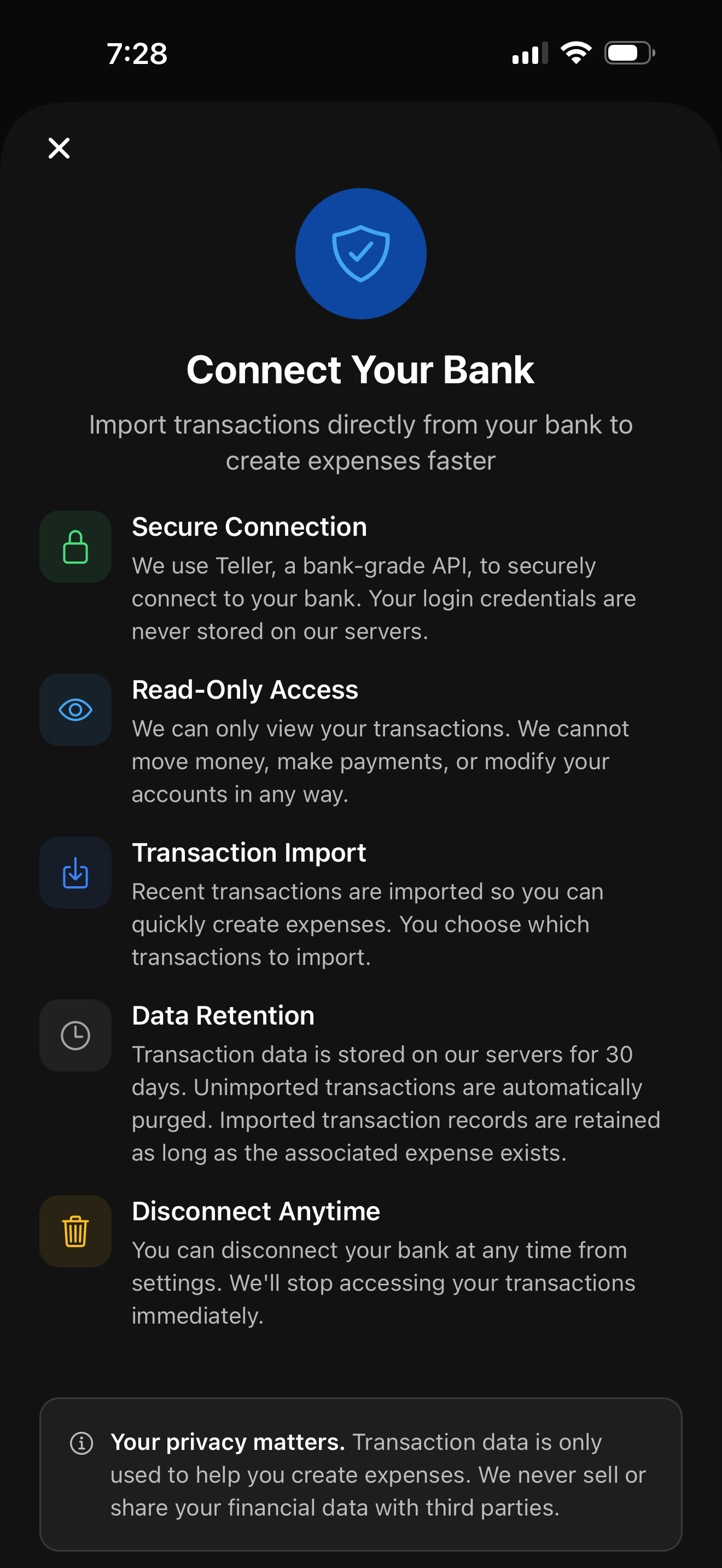
Connect your bank, pick your transactions, and import them as expenses — ready to split.
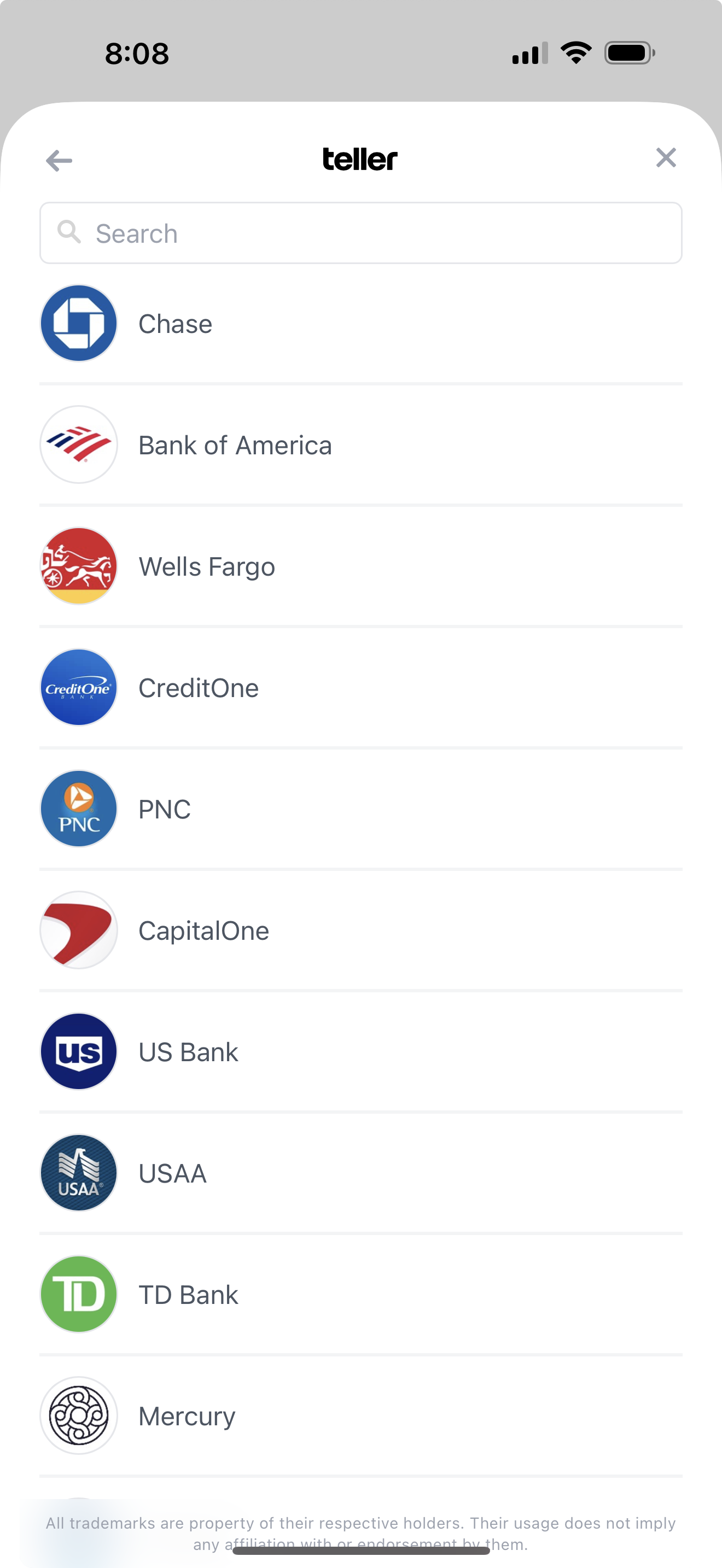
Connect Your Bank
Link any of 7,000+ US banks in seconds through Teller's secure connection.
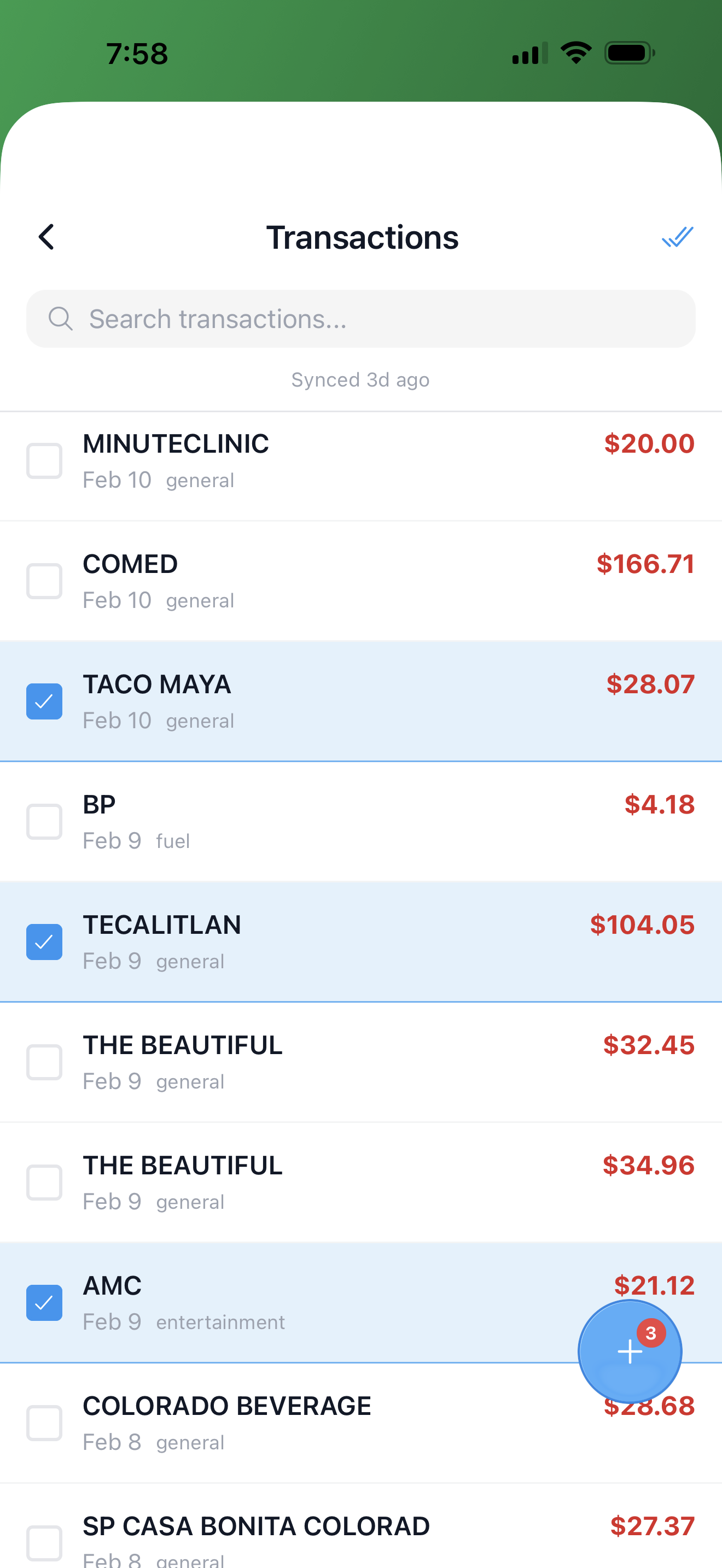
Select Transactions
Browse your transactions, search by name, and select the ones you want to import.
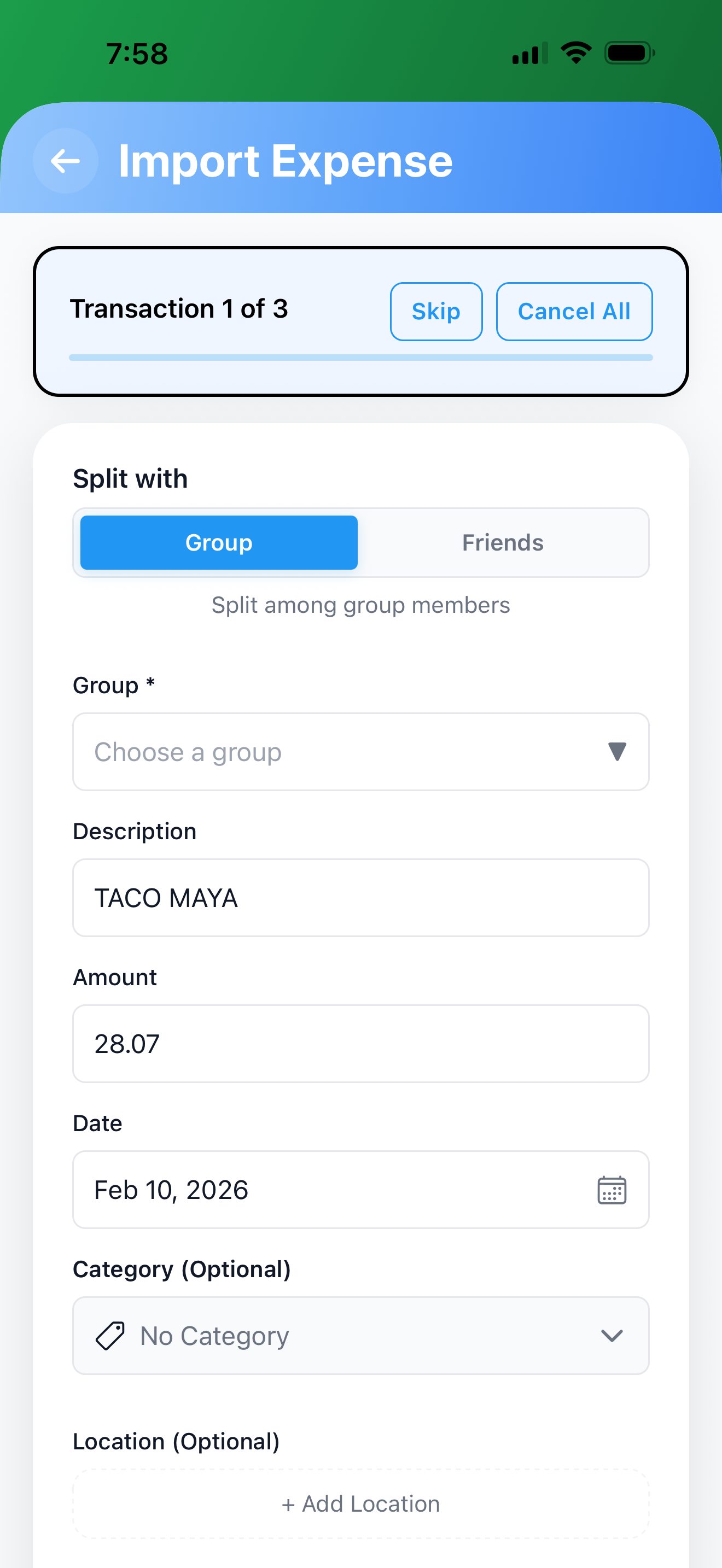
Import & Split
Each transaction becomes a pre-filled expense. Assign a group, adjust details, and split — one at a time or in batch.
Built for Speed and Accuracy
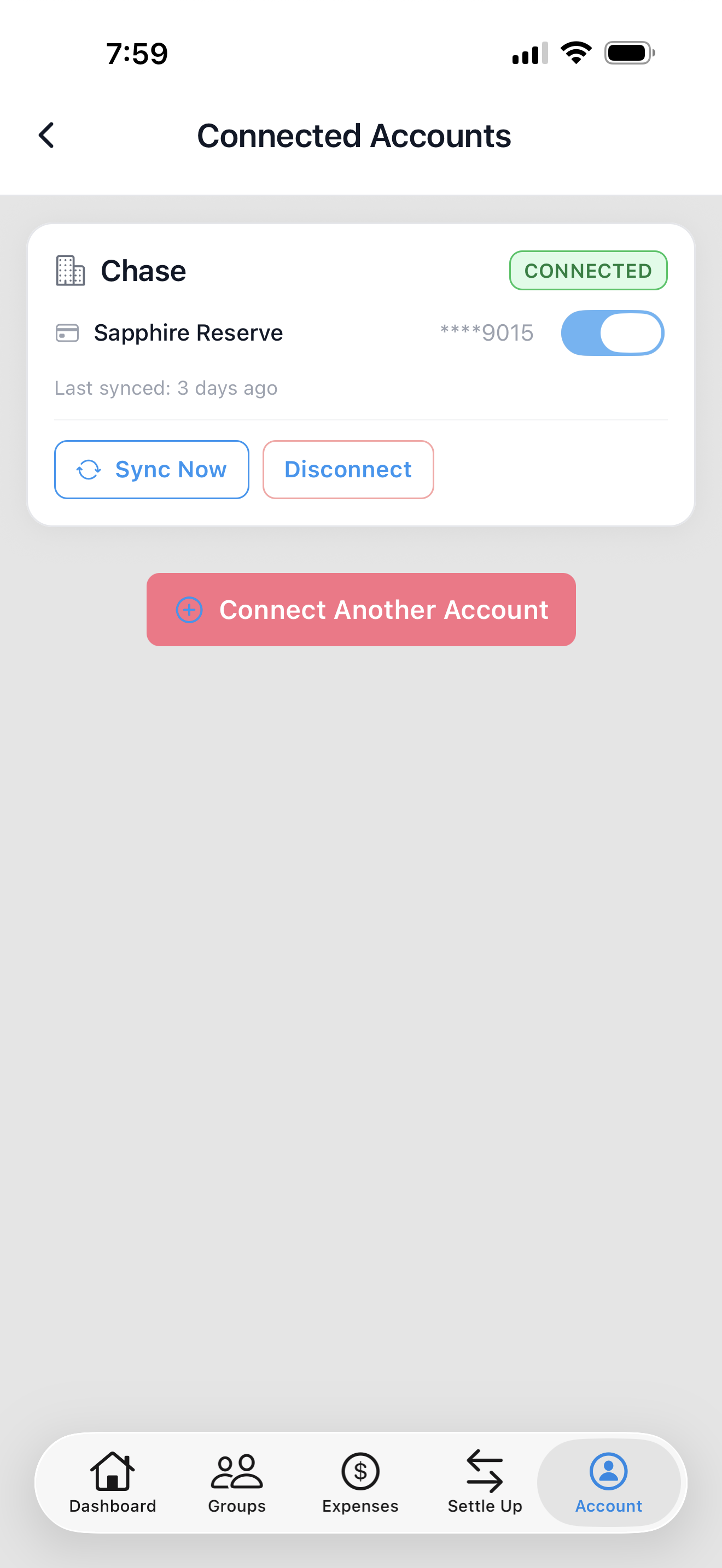
Connect One or More Accounts
Link multiple bank accounts and manage them all in one place. See connection status, sync on demand, or disconnect anytime — when you disconnect, all imported transaction data from that account is permanently deleted.
From Cryptic to Clear
Bank descriptions like "POS DEBIT 4829 THAI ORCHID #127" become "Thai Orchid." No more deciphering cryptic bank codes — just clean names ready to split.
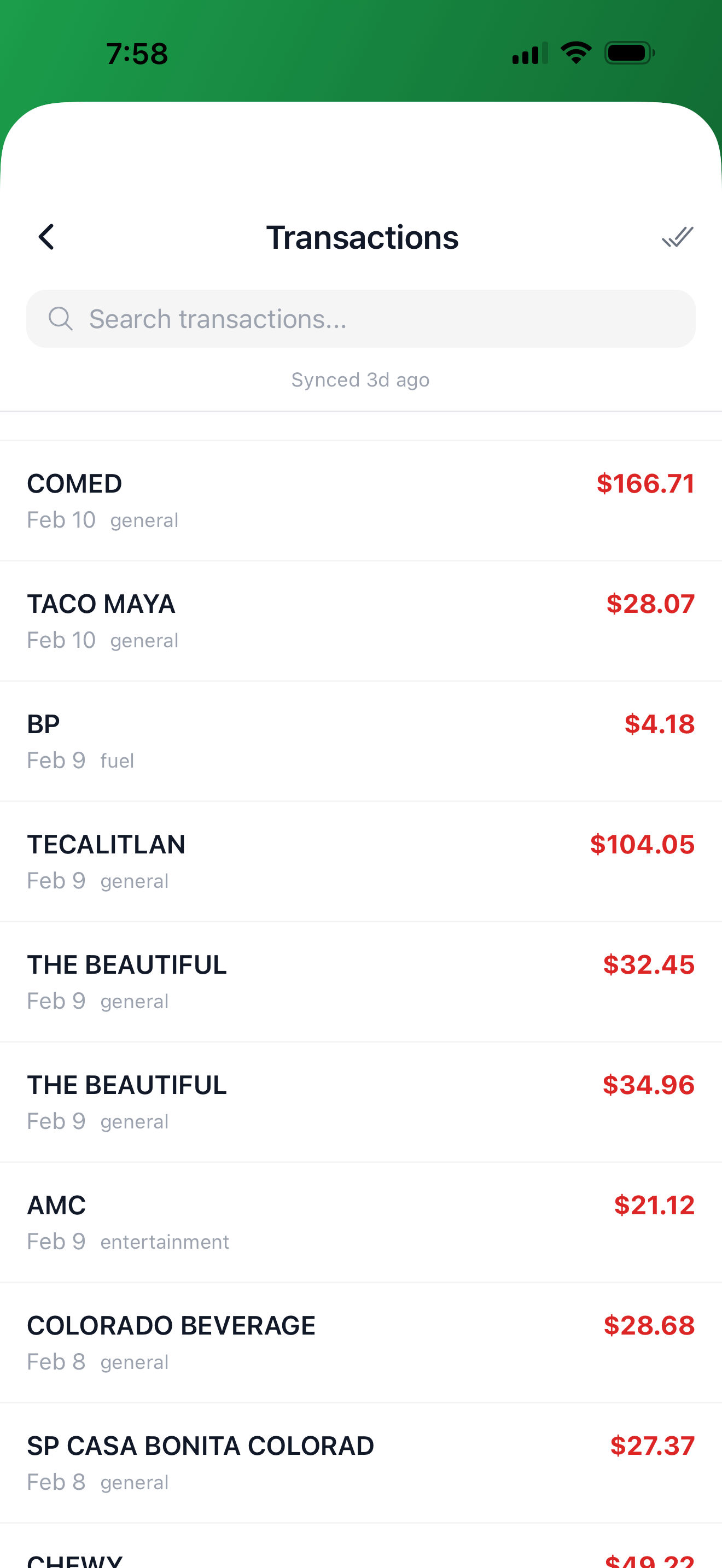
Import Multiple at Once
Select as many transactions as you need and import them all in one flow. Each becomes a pre-filled expense — just pick a group and go. Skip any you don't want, cancel anytime.
Bank-Grade Security, Privacy First
Your financial data is yours. Here's how we keep it that way.
Read-Only Access
We can only view transactions. We can never move money, make payments, or modify your accounts.
Credentials Stay with Your Bank
Your login goes directly to your bank through Teller's encrypted connection. We never see or store your credentials.
Disconnect = Delete
Disconnect a bank account and all imported transaction data from it is permanently erased.
Delete Account = Delete Everything
Delete your SplitterUp account and all your data — including bank-imported transactions — is permanently gone.
Simple, Affordable Pricing
Bank Import is an optional add-on to SplitterUp. Connect your bank for less than a dollar a month.
Cancel anytime. Your imported expenses stay even if you unsubscribe.

Stop entering expenses by hand.
Download SplitterUp and get it free for life — first 1,000 users. Connect your bank and start importing.
